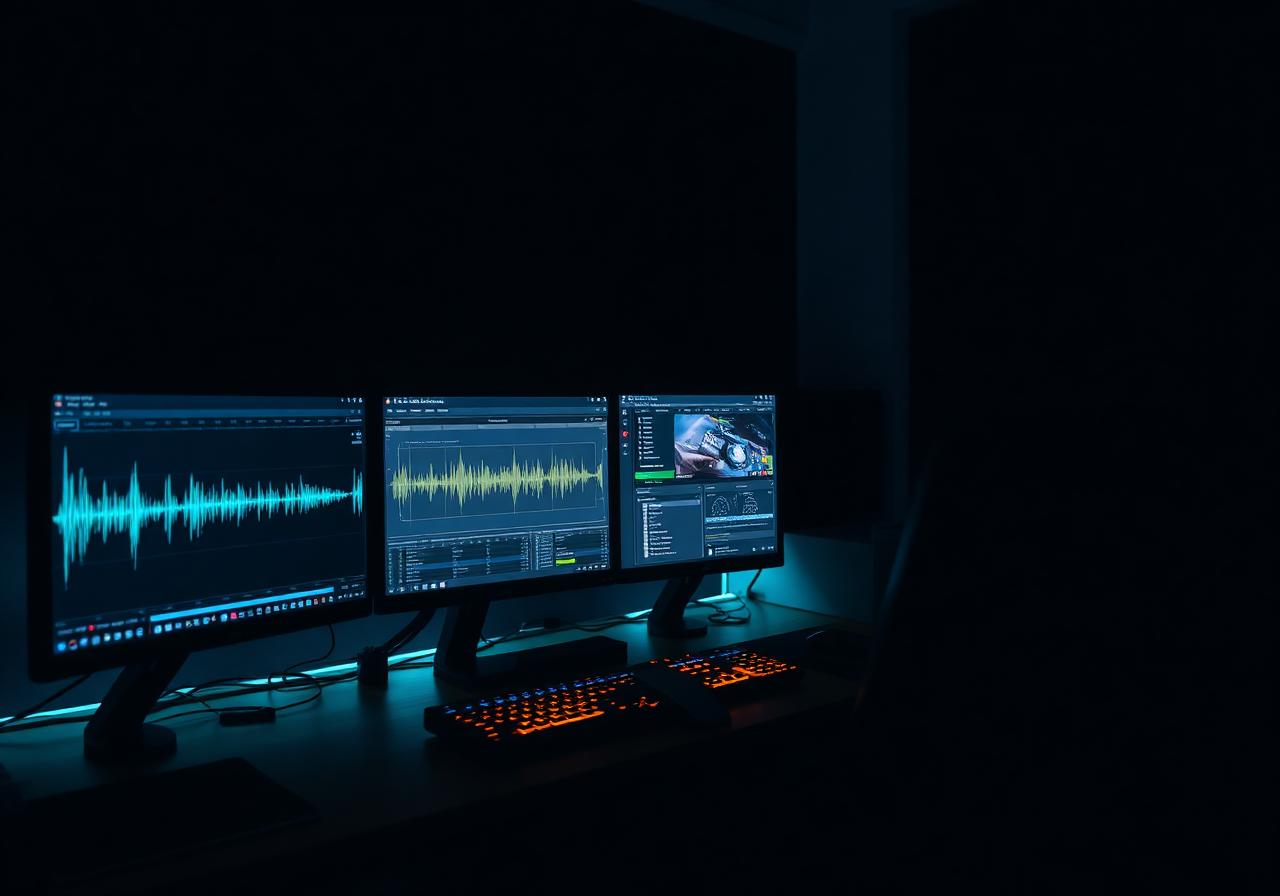
How Creators Can Use AI to Plan and Edit Content

Creators can use AI as a planning and editing assistant: it proposes themes, builds a posting calendar, drafts outlines and tightens rough copy, while you decide what is true, useful and in your voice. The best results come from giving it a clear goal, an audience and examples of your style.
Most creators do not run out of talent. They run out of time. Planning, drafting, editing and repurposing eat the hours that should go to making the work. AI can take on a good share of that overhead if you use it with a method.
Start with a one-page content brief
AI is only as useful as the context you give it. Before you ask for ideas, write a short brief you can paste into any assistant:
- Who you are in two sentences (your craft, your style, your language).
- Who you serve: the specific person you want to reach.
- One goal for the next 30 days: grow a newsletter, promote a release, book clients.
- Your formats: short video, carousel, newsletter, podcast, blog.
- What to avoid: topics, tones or claims you will never use.
Save this brief and reuse it. It is the single biggest upgrade to your results.
Plan: from blank page to four-week calendar
Generate themes, not finished posts
Ask for five to seven content pillars that fit your brief, then pick two or three. Pillars keep your feed coherent. A musician might choose "behind the scenes", "lessons learned" and "release updates".
Build the calendar
Give the assistant your posting frequency and ask for a table: date, format, pillar, working title, call to action. Then edit it by hand. Remove anything generic and add the real events in your life: a show, a launch, an exam week.
Batch your drafting
Instead of writing daily, spend one session drafting hooks and outlines for a week. Ask AI for three hook options per idea and choose the one you would actually say out loud.
Edit: use AI as a second pair of eyes
Structure first, polish second
Paste a rough draft and ask: "What is the main point? Where does this lose focus?" Fixing structure before wording saves time.
Tighten without flattening
Ask for a shorter version that keeps your sentence rhythm and vocabulary, and give two or three samples of your best writing. Compare against your original. If the result sounds like everyone else, push back with instructions or go back to your own words.
Check the details
AI can invent facts, quotes and sources. Verify names, dates, numbers and claims before publishing. This one habit protects your credibility more than any other.
Repurpose without repeating yourself
One idea can become several pieces. Take a long video or article and ask AI to extract:
- Three short-form hooks.
- A newsletter summary of 150 words.
- A list of questions your audience might ask.
Then rewrite each in your voice. Repurposing is where AI saves the most hours, because the thinking is already done.
Keep your voice
A simple test: read the text aloud. If you would never say it, change it. Keep a running "voice file" with phrases you like, words you avoid and a few sentences you are proud of. Paste it into your prompts. Over time, the assistant gets closer to you, and you edit less.
A weekly routine that works
- Monday (30 minutes): review last week, update the brief, ask for next week's ideas.
- Midweek (60 minutes): batch-draft and edit.
- Friday (15 minutes): note what performed and what felt off, and adjust.
Small and repeatable beats ambitious and abandoned.
Where to go from here
If you want structured training on these skills, Collège Unica offers online AI-focused programs, including the Applied AI A.E.C. program. Check the program page for current details. Full-time students also get Unica incubation included with their full-time program (6-12 months online, 12-20 months on-campus), which has no cash value and is not transferable. Incubation is run through Unica OS, and an open 90-day pilot is available for 20 businesses.
Frequently asked questions
Can AI replace a content creator?
No. AI is good at structure, first drafts and repetitive edits, but taste, lived experience and a recognizable voice still come from you. Treat it as an assistant, not a replacement.
What is the best way to start planning content with AI?
Start with one clear goal and one audience, then ask AI to propose themes, formats and a four-week calendar. Review everything and cut what does not sound like you.
Should I tell my audience I use AI?
Policies vary by platform and by country, so check the rules of each platform you publish on. Being open about your process is generally a good habit.
Do I need paid tools to begin?
Not necessarily. Many assistants have entry-level plans that are enough to test a planning and editing routine. Compare current plans before paying for anything.
Take the next step
Are you a creator, artist, influencer or young founder looking for real opportunities? Join the Unica Creator Business Hub: https://api.leadconnectorhq.com/widget/survey/iH7MbTqb1IDT7FY60fuM
Admissions Team
Expert instructor and industry professional at Collège Unica. Passionate about sharing knowledge and shaping the next generation of audio and tech professionals.